Your website answers while you’re on a job. The enquiry waits for you.
It answers customers from your own pages: services, prices, call-out charges and the areas you cover. When someone needs you, it takes their name, number and what the job is, so you can ring back when your hands are free.
- Free to try
- Most sites live in under ten minutes
- No contract
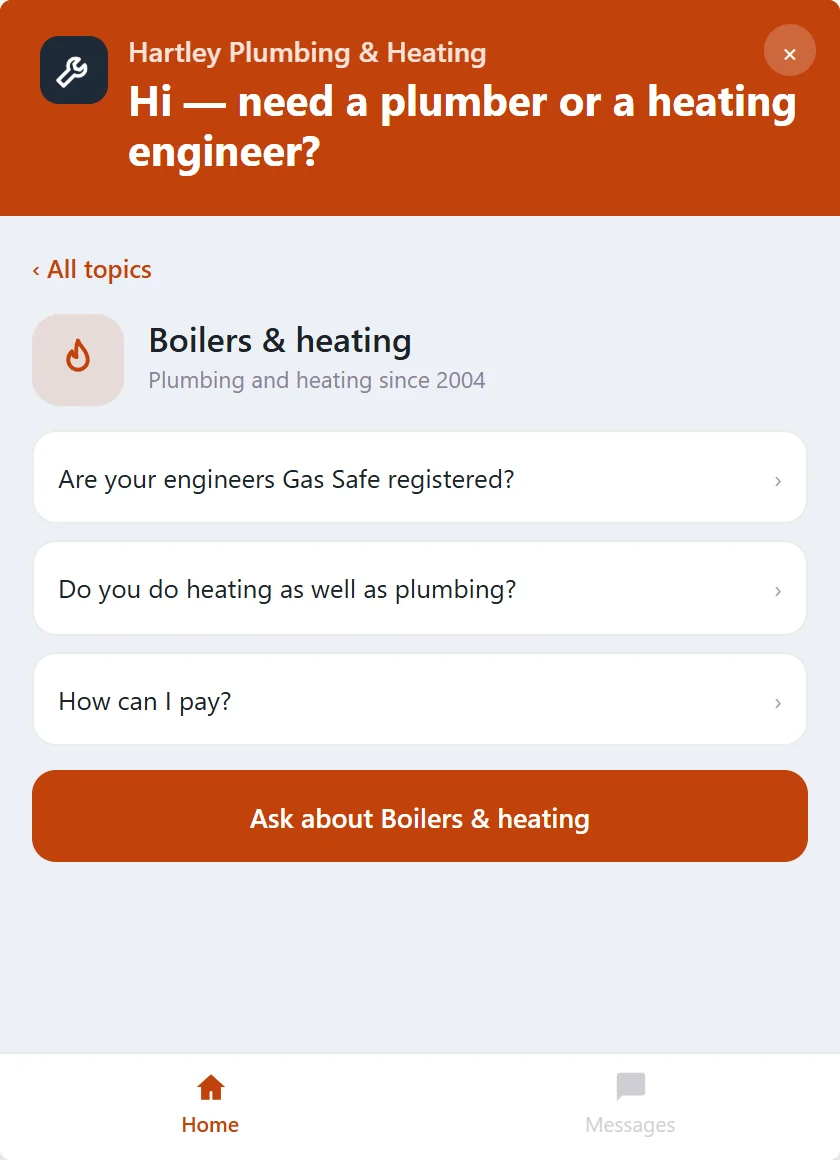
The questions customers ask before they call
It answers each of these from your own pages, while you’re up a ladder or under a sink.
Plumbing and heating
Electrical
Building and repairs
From a question to a booked job
A customer asks, gets the answer from your pages, and leaves their details if they want you. You ring back, quote and book it the way you do now.
- Question
- Answer
- Enquiry
- You call back
- Booked job
Every enquiry, with the job described
Name, number and what the customer wrote, in your Inbox with the conversation behind it. Mark it called or booked as you go.
Told straight away
Get an email for each new enquiry, so you can ring back between jobs.
Pause it when you’re fully booked
Press Pause on your Home page and it shows your own message instead of answering. One press brings it back.
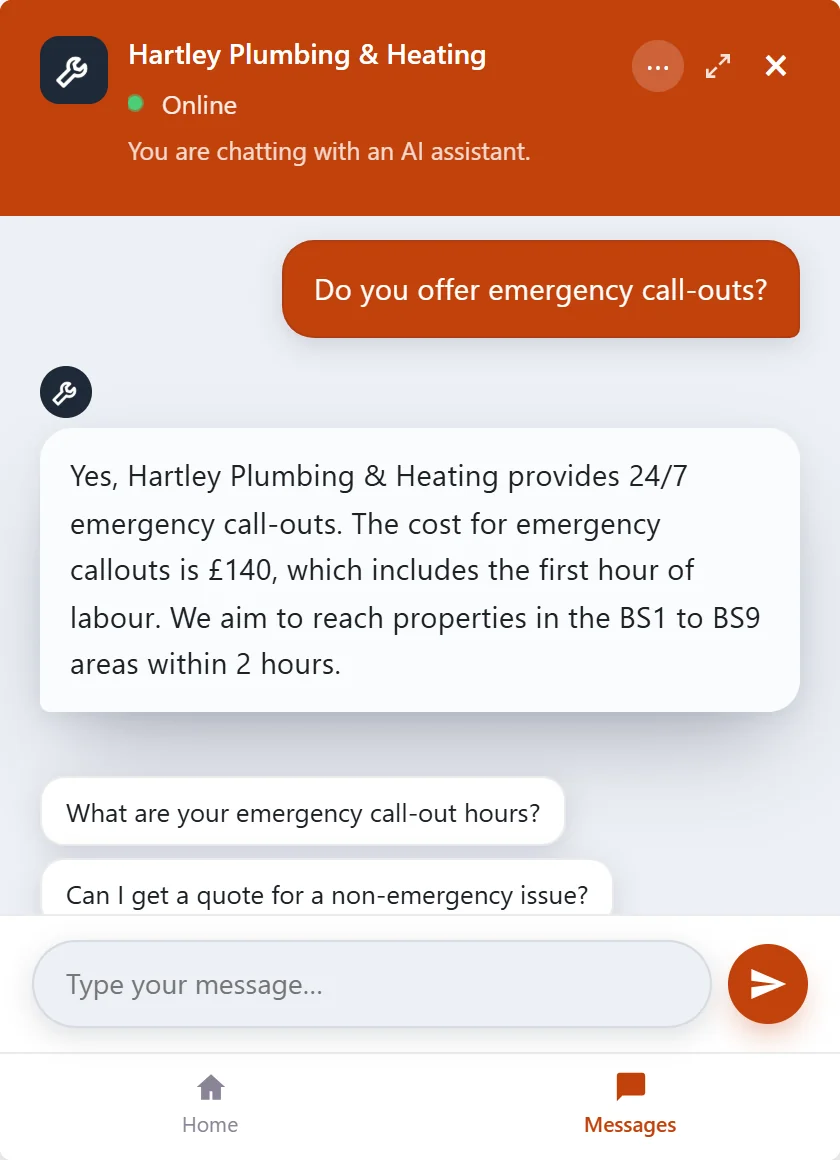
Try it on Hartley Plumbing & Heating
A plumbing and heating firm’s website with Embermont Concierge on it. Open it and ask what a customer would.
- What an emergency call-out costs
- Whether they cover your area
- How much a boiler service is
- Then leave your details for a callback
Or try Kingsway Motors, a garage and MOT centre in Derby, or Greenlight Driving School in Reading.
Set up the way you work
You choose what it answers from, what it leaves to you, and how it looks.
Your pages
- Services and call-out charges
- The areas and postcodes you cover
- Opening and emergency hours
- Price lists you upload
Your rules
- The jobs you take on, and where to send the rest
- Questions that go straight to you
- Offline hours with your own message
- Test it on your customers’ usual questions first
Your look
- Your colours and logo
- Your firm’s name in the header
- A home screen with your common questions
- Every message in your words
Live in about ten minutes
Add your website
Type in your web address and choose the pages it uses.
Check what it says
Ask it your customers’ usual questions in the Test bot and add anything your site leaves out.
Add one line to your site
One line on your website, or send it to whoever built your site.
You stay in charge
Decide what it answers and what it leaves to you.
Personal details
Email addresses, phone and card numbers it recognises are replaced before a message reaches the AI. Your inbox keeps the real details so you can ring back.
Emergency contacts
Add your own numbers, shown in place of an answer when a message matches words on your list.
Questions it leaves to you
Tell it which questions to pass to you, such as pricing a job it cannot see. Try your usual questions before it goes live.
Offline hours
Outside the hours you set it shows your offline message and still takes enquiries.
Can it give customers a quote?
It gives the prices your pages state, such as a call-out charge or a service price. For anything that needs a look at the job, it takes the customer’s details so you can quote yourself.
What happens when I’m on a job and can’t answer?
It keeps answering from your pages and takes the enquiry. You’ll find it in your Inbox with the conversation that led to it, and you can get an email for each one.
Does it know which areas I cover?
If your pages list your areas or postcodes, yes. You can also add them yourself on the Knowledge page.
Can I turn it off when I’m fully booked?
Yes. Press Pause on your Home page and it shows your own message instead of answering. Press Resume when you’re ready.
How much does it cost?
You can start free with 10 visitor conversations a month. Paid plans start at £19 a month, with no per-conversation fees and no contract. See pricing
Let your website take the first call.
Start free, put it on your own site, and see what customers ask.