Menus, hours and bookings, answered. Even mid-service.
It answers guests from your own pages: what’s on the menu, when you’re open, whether dogs are welcome and how to book. When someone wants to book a table or plan an event, it takes their details for you.
- Free to try
- Most sites live in under ten minutes
- No contract
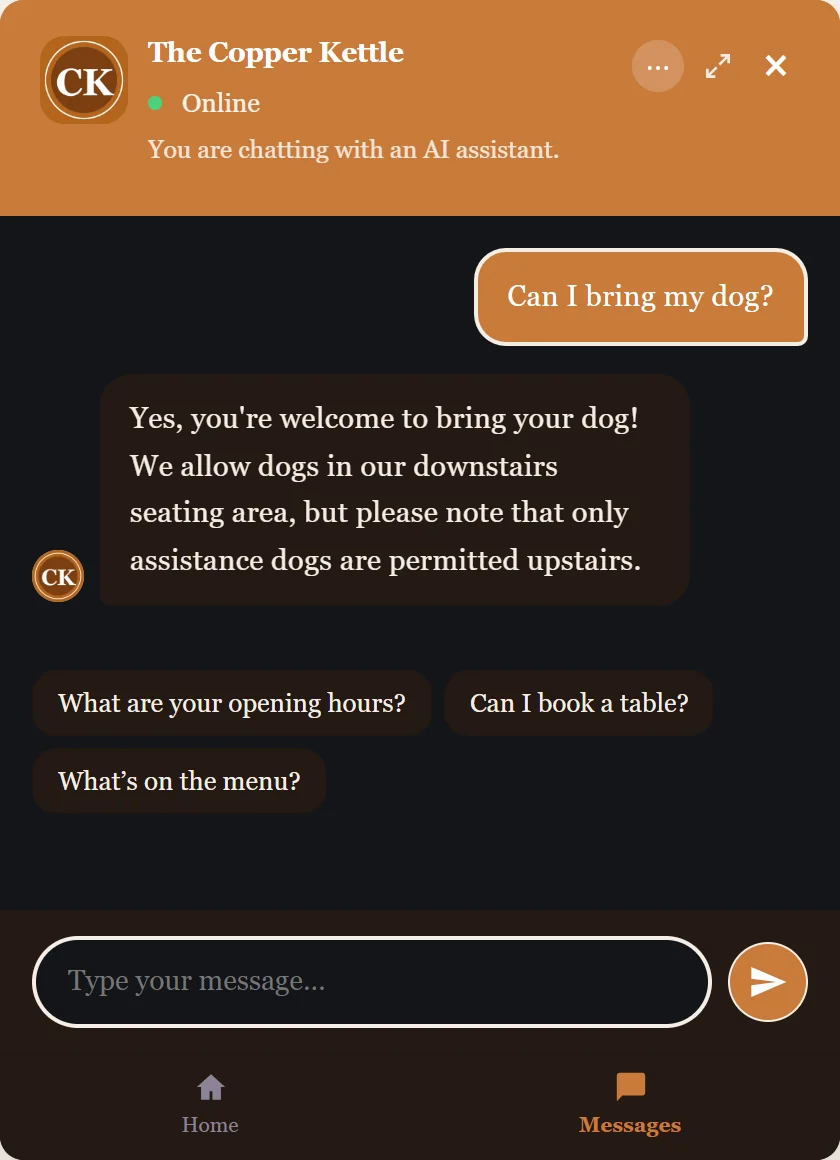
The questions guests ask before they visit
It answers each of these from your own pages, while you’re busy serving.
Visiting
Food
Bookings and events
From a question to a booking
A guest asks, gets the answer from your pages, and leaves their details if they want to book something. You confirm it the way you do now.
- Question
- Answer
- Enquiry
- You confirm
Booking and event enquiries
The guest’s name, number and what they want to book, in your Inbox with the chat behind it. Mark each one called or booked.
What guests ask about
Home shows what people asked this week, from the menu to the opening hours.
Pause it on a closed day
Press Pause on your Home page and it shows your own message instead of answering. One press brings it back.
Try it on The Copper Kettle
A café’s website with Embermont Concierge on it. Open it and ask what a guest would.
- Whether dogs are welcome
- What vegan options there are
- How to book the upstairs room
- Then leave your details for a booking
Or try Boulangerie Martin, a bakery in Lyon: ask it in English, French or any language, Osteria Vico, an Italian restaurant in Leeds, La Taberna de Ana in Sevilla, a whole site in Spanish, or Thistle Cottage, a holiday let in Grasmere.
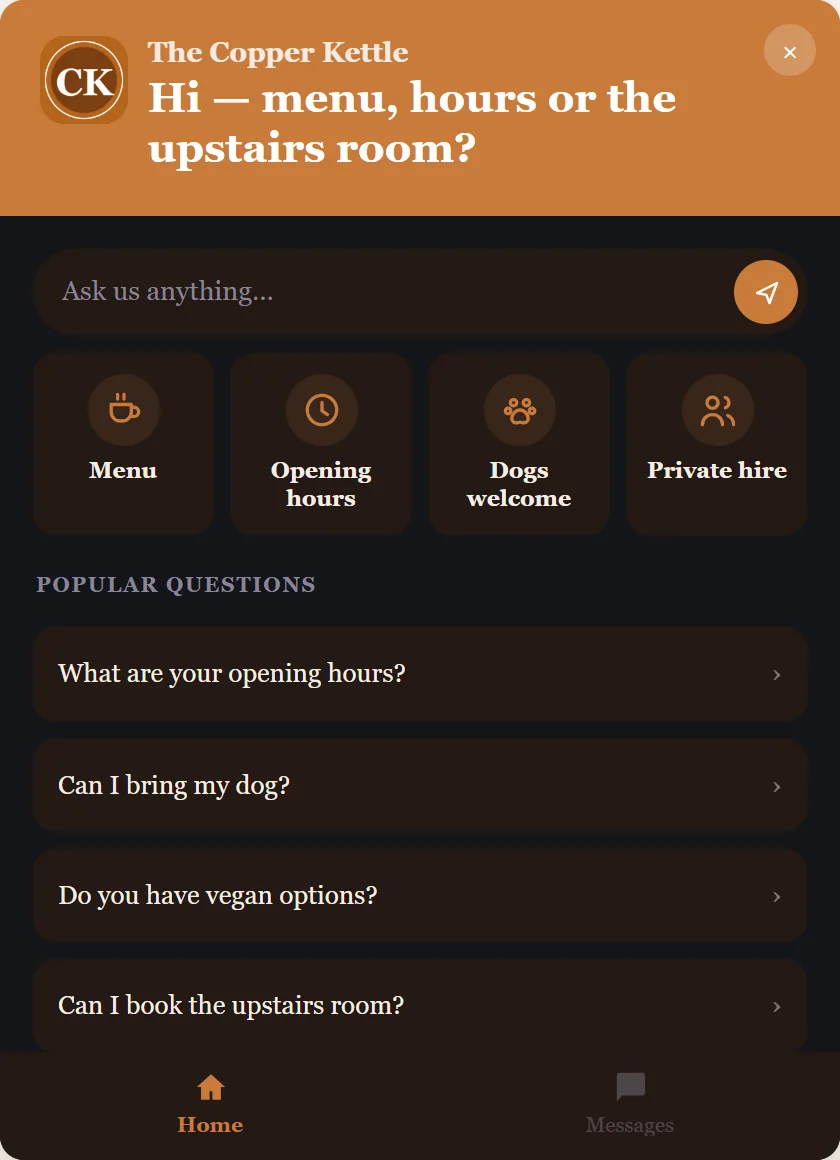
Set up the way you work
You choose what it answers from, what it leaves to you, and how it looks.
Your pages
- Menus and prices
- Opening hours, including holidays
- Dogs, parking and access
- Events and private hire
Your rules
- Allergy questions sent to your staff
- Questions that go straight to you
- Offline hours with your own message
- Test it on your guests’ usual questions first
Your look
- Your colours and logo
- Your name in the header
- A home screen with your common questions
- Answers in your site’s language
Live in about ten minutes
Add your website
Type in your web address and choose the pages it uses, menus included.
Check what it says
Ask it your guests’ usual questions in the Test bot and add anything your site leaves out.
Add one line to your site
One line on your website, or send it to whoever built your site.
You stay in charge
Decide what it answers and what it leaves to you.
Allergy and dietary questions
Tell it to send allergy questions to your staff instead of answering them. Try the questions your guests ask before it goes live.
Personal details
Email addresses, phone and card numbers it recognises are replaced before a message reaches the AI. Your inbox keeps the real details so you can reply.
Offline hours
Outside the hours you set it shows your offline message and still takes enquiries.
Data tools
Visitors can delete their own conversation, and you can export or erase a visitor’s conversation when they ask. Our privacy policy lists what we store and who processes it.
Can it take table bookings?
It takes the guest’s details and what they want to book, and the enquiry lands in your Inbox for you to confirm. If you use a booking page, it can point guests to it.
Will it answer allergy questions?
You decide. You can tell it to send allergy questions to your staff instead of answering, and test that before it goes live.
Does it answer in other languages?
It answers in the language the visitor writes in. Ask the Lyon bakery demo in English and it answers in English; ask the Bristol plumber in Spanish and it answers in Spanish, prices included. The widget’s own buttons and notices come in English, French, German and Spanish.
Can I change what it says when we’re closed?
Yes. Set your offline hours and your own message. Outside those hours it shows that message and still takes enquiries.
How much does it cost?
You can start free with 10 visitor conversations a month. Paid plans start at £19 a month, with no per-conversation fees and no contract. See pricing
Answer guests while you serve.
Start free, put it on your own site, and see what guests ask.